

You spent the money. You unboxed the device. You downloaded the Divoom app. And then nothing happened — no connection, no community content, no firmware updates. The seller told you it was genuine. The packaging looked right. But the device you are holding is not a Divoom product. It is a copy that happens to look like one.
This is not a rare scenario. As Divoom products have grown in popularity across desk setups, gaming rooms, and gift lists, unauthorized sellers and counterfeit devices have followed. The good news is that verifying an official Divoom store or authorized seller takes only a few minutes — and it can save you from a device that looks right on the outside but is missing everything that makes a Divoom worth having.
Why Verifying the Seller Matters More Than You Think
A counterfeit Divoom device can replicate the physical design almost perfectly. The box, the logo, the pixel screen — all of it can be copied. What cannot be copied is the ecosystem behind it.
Every genuine Divoom product connects to the Divoom app and support system, which provides community-designed pixel art, firmware updates, clock faces, widgets, and cloud-connected features. A counterfeit device is, at best, a standalone LED display with no app connectivity, no content library, and no path to customer support.
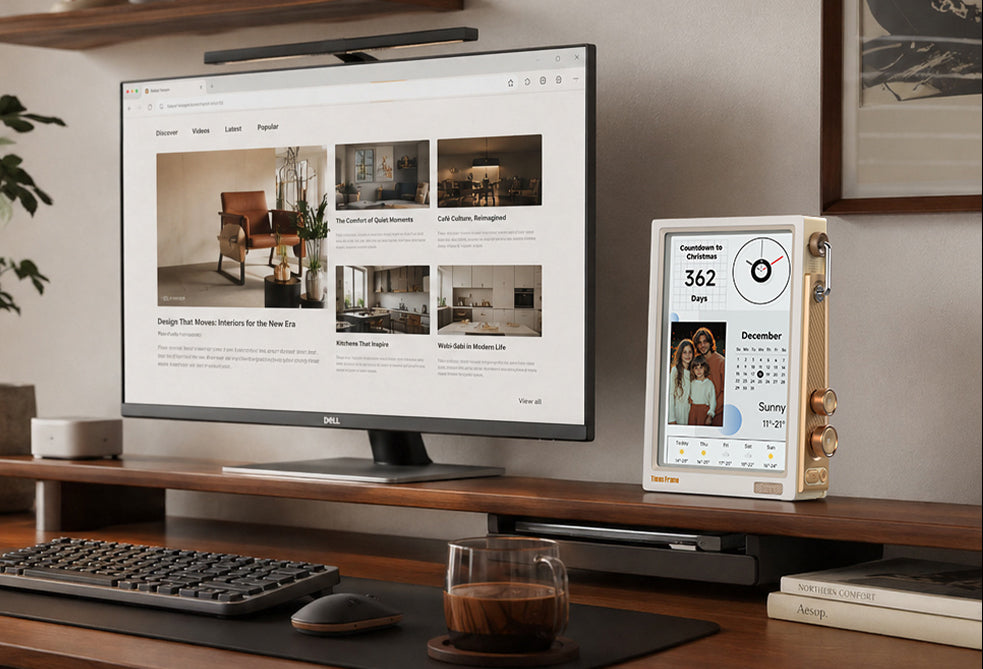
For gift buyers, the stakes are even higher. Imagine giving someone a Times Frame for their birthday, only to discover it cannot connect to the app that makes photo sharing possible. The gift is not just defective — it is embarrassing.
A genuine Divoom device is not just hardware. It is a living product backed by an app, a community, and ongoing development. A counterfeit is just a plastic box with lights.
Official Divoom Sales Channels
Before you can verify a seller, you need to know where Divoom officially sells its products. There are three primary channels, each with its own verification markers.
The Official Divoom Website
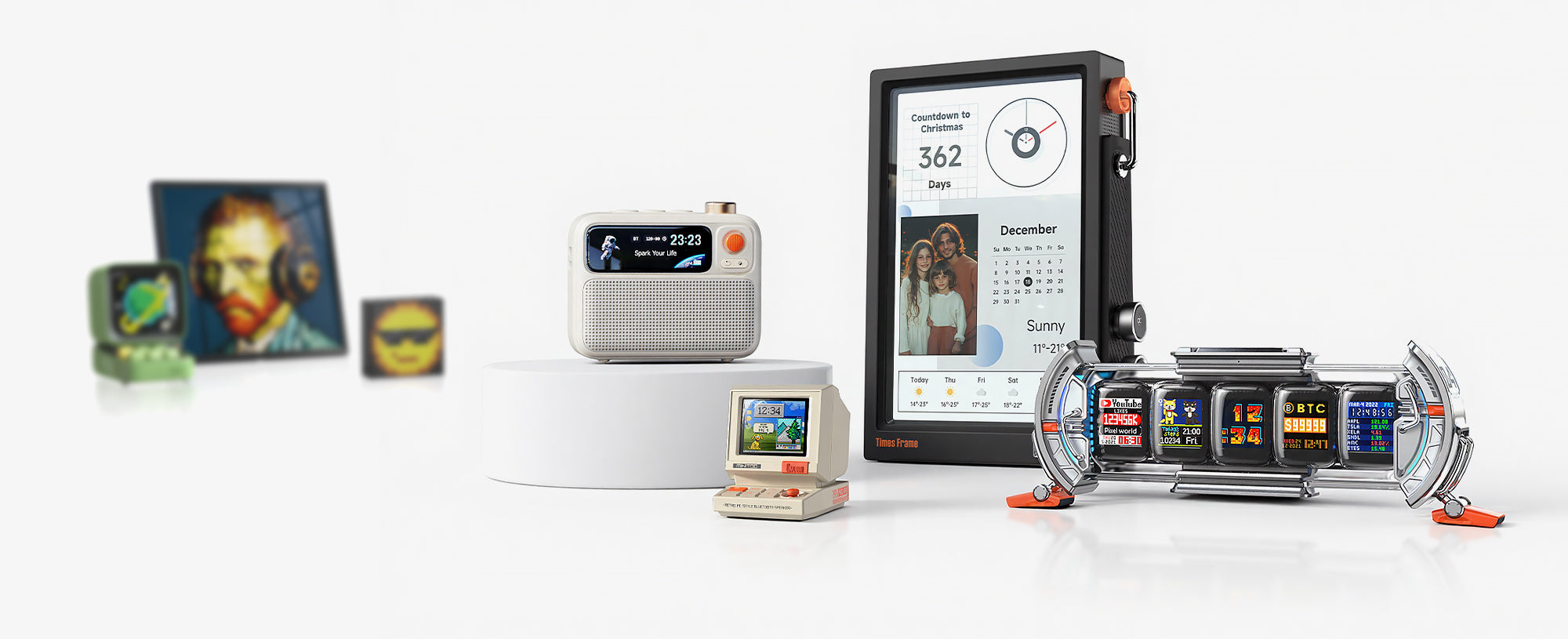
The most reliable channel is divoom.com itself. The official website carries the complete product lineup — from the Times Gate smart desk dashboard to the Pixoo-64 pixel art display and the Ditoo Pro retro Bluetooth speaker. Every purchase from the official site includes full warranty coverage, app support, and access to the Divoom community content library.
When checking a website, look at the domain carefully. The official domain is divoom.com — not divoom-official.com, not divoom-store.com, not any variation. Counterfeit sellers sometimes register look-alike domains that are one letter off.
Official Amazon Storefront
Divoom also operates an official storefront on Amazon. When buying from Amazon, check two things: the seller name should include "Divoom" or "Divoom Official," and the "Sold by" field on the product page should point to the official Divoom seller account. Third-party sellers on Amazon may list Divoom products at lower prices, but those listings are not guaranteed to be genuine.
Authorized Retail Partners
Some electronics retailers and gift shops have formal authorization to sell Divoom products. These partners are vetted by Divoom and carry genuine products. If you are unsure whether a retailer is authorized, you can contact Divoom support through the official website to verify their status before purchasing.
How to Verify a Seller Before You Buy
Verification does not require technical expertise. It requires attention to a few specific details that unauthorized sellers consistently get wrong.
Step 1: Check the Domain
If you are buying from a website, look at the URL bar. The official domain is divoom.com. Any variation — divoom.shop, divoom-official.net, mydivoom.com — is not the official store. Bookmark the official domain so you always start from a known-good source.
Step 2: Look for Authorization Markers
Authorized retailers typically display their authorization status on their product pages or About section. On Amazon, the "Sold by" field is your primary indicator. On independent websites, look for language like "Authorized Divoom Reseller" or a direct link back to divoom.com.
Step 3: Examine the Product Listing
Genuine product listings include accurate product names, official product images, and specifications that match the official Divoom website. Counterfeit listings often use slightly altered product names, stock photos that look similar but are not official, and specifications that do not match.
Step 4: Check the Price
If a deal looks too good to be true, it probably is. Divoom products have consistent pricing across official channels. A listing that offers a Times Gate or Pixoo-64 at 40-50% below the official price is almost certainly selling counterfeit or refurbished units passed off as new.

Shop from the Official Divoom Store
Every purchase includes full warranty, app support, and access to the Divoom community content library. No guessing, no risk.
Visit Divoom Store →Red Flags That Suggest a Seller Is Not Authorized
Unauthorized sellers leave consistent patterns. If you notice any of these signals, pause before completing your purchase.
- Misspelled brand name: "Divom," "Divoom Official Store" (when not on divoom.com), or similar variations in the product title.
- No app mention: Genuine Divoom products always reference the Divoom app. If the listing makes no mention of app connectivity, community content, or pixel art customization, it is likely not genuine.
- Generic packaging photos: Counterfeit sellers often use generic LED display images rather than official Divoom product photography.
- New seller with no history: A seller account created recently with few reviews is higher risk, especially on marketplace platforms.
- No return policy or vague warranty: Authorized sellers offer clear return policies. Unauthorized sellers often have no return option or claim "manufacturer warranty" without specifying Divoom.
- Suspiciously low price: A 30-50% discount on a current Divoom product is a strong indicator of counterfeit or refurbished units.
What Happens When You Buy from an Unauthorized Seller
The consequences of buying a counterfeit Divoom device extend beyond the initial disappointment. Here is what you lose:
No App Connectivity
The Divoom app is the backbone of every product. It provides clock faces, pixel art templates, community-created content, weather widgets, photo sharing, and device management. A counterfeit device cannot connect to the app, which means it loses the majority of its intended functionality.
No Firmware Updates
Divoom regularly releases firmware updates that improve performance, add new features, and fix bugs. Counterfeit devices are frozen at whatever firmware version they shipped with — and since they cannot connect to the Divoom servers, they will never receive updates.
No Warranty Coverage
Divoom warranty applies only to products purchased through official channels. If your counterfeit device develops a hardware defect, Divoom support cannot process a warranty claim for a product they did not sell. You are left with a defective device and no recourse.
Potential Safety Risks
Counterfeit electronics often use uncertified power adapters and components that have not passed safety testing. While most counterfeit devices function without incident, the risk of electrical issues is higher than with genuine products that meet international safety standards.
What to Do If You Already Bought from a Third-Party Seller
If you have already purchased a Divoom product from a seller you now suspect is unauthorized, there are steps you can take to verify and protect yourself.
First, try connecting the device to the Divoom app. If the app does not recognize the device or the connection fails repeatedly, the device may not be genuine. Second, check the packaging for official Divoom branding, product model numbers, and certification marks. Third, contact Divoom support through the official website with your purchase details — they can help verify whether your device is authentic based on the serial number.
If the device is confirmed as counterfeit, contact the marketplace platform where you purchased it to request a refund. Most major platforms have buyer protection policies that cover counterfeit goods. Keep your order confirmation, photos of the packaging, and any communication with the seller as evidence.
Going forward, the simplest protection is to always start from the official Divoom website. It takes a few extra seconds, but it eliminates the entire verification problem.
Frequently Asked Questions
Is Divoom sold on Amazon?
Yes. Divoom operates an official storefront on Amazon. When buying from Amazon, check the "Sold by" field to confirm the seller is the official Divoom account. Third-party sellers on Amazon are not guaranteed to sell genuine products.
How can I tell if my Divoom product is genuine?
The most reliable test is app connectivity. Download the Divoom app and try to connect your device. A genuine device will connect and give you access to community content, clock faces, and firmware updates. If the app does not recognize your device, contact Divoom support with your serial number for verification.
What should I do if I suspect I bought a counterfeit Divoom product?
Contact the marketplace platform where you purchased it and request a refund under their counterfeit goods policy. Keep your order confirmation and photos of the packaging as evidence. Then purchase a replacement from the official Divoom website or an authorized retailer.
Does Divoom have authorized retailers outside the US?
Yes. Divoom ships worldwide from the official website, and there are authorized retail partners in various countries. If you are unsure whether a local retailer is authorized, contact Divoom support through the official website to verify their status before purchasing.

Ready to buy with confidence?
Explore the full Divoom product lineup and find the perfect pixel art display, smart speaker, or creative gift — all backed by official warranty and app support.
Explore Divoom Products →

