


You search for "clean desk setup" expecting to find a list of things to remove. Clear everything off. Put it all in drawers. Hide the cables. But a desk that looks like a hotel lobby isn't what most of us actually want — especially when that desk is where you work, create, or game for hours every day.
The cleaner desks aren't the ones with fewer things. They're the ones where each item earns its place by doing more than one job. A clock, a calendar, sticky notes, a weather widget, and a separate data display — that's five objects creating visual noise. One smart display that does all of them at once isn't adding clutter. It's removing it.
This isn't about minimalist discipline. It's about letting your desk look intentionally put together, piece by piece, without needing to clear everything off every weekend.
The one-minute desk test: Stand up and look at your desk right now. Count how many single-purpose objects are within arm's reach — clocks, notepads, speakers, calendar widgets, sticky note pads. Every single one of them can be replaced by one smart display that does those jobs better and takes up less visual space. That's the clean desk trick that doesn't ask you to put everything away.
What a Clean Desk Setup Actually Means
The most common mistake people make when trying to clean up their desk is treating it like a storage problem. Buy a bigger monitor riser. Add more cable clips. Get a drawer organizer. Those help, but they don't change the fundamental issue: too many single-purpose objects competing for visual attention on a flat surface.
A desk looks clean when the items on it feel intentional. The goal is not to strip your desk of everything personal — it's to make every object earn its place. A single object that replaces five single-purpose ones automatically reduces visual noise by 80% — not because you hid anything, but because you removed the need for four separate objects to exist on your desk in the first place.
That's where smart displays come in. Not as another gadget to squeeze onto your desk, but as a visual anchor that replaces the small, scattered objects making a desk look busy even when it's technically "organized."

Replace Every Separate Clock, Calendar, and Sticky Note with One Display
Walk over to your desk right now and look at the upper half of your workspace. How many objects are competing for your attention there? A desk clock? A calendar widget? A small notepad with sticky notes? A weather station gadget? Maybe a separate data screen for notifications or crypto tickers?
That's at least five objects, and each one adds a small amount of visual weight. Individually they're fine. Together they create the background hum of clutter that makes a desk feel busier than it actually is.
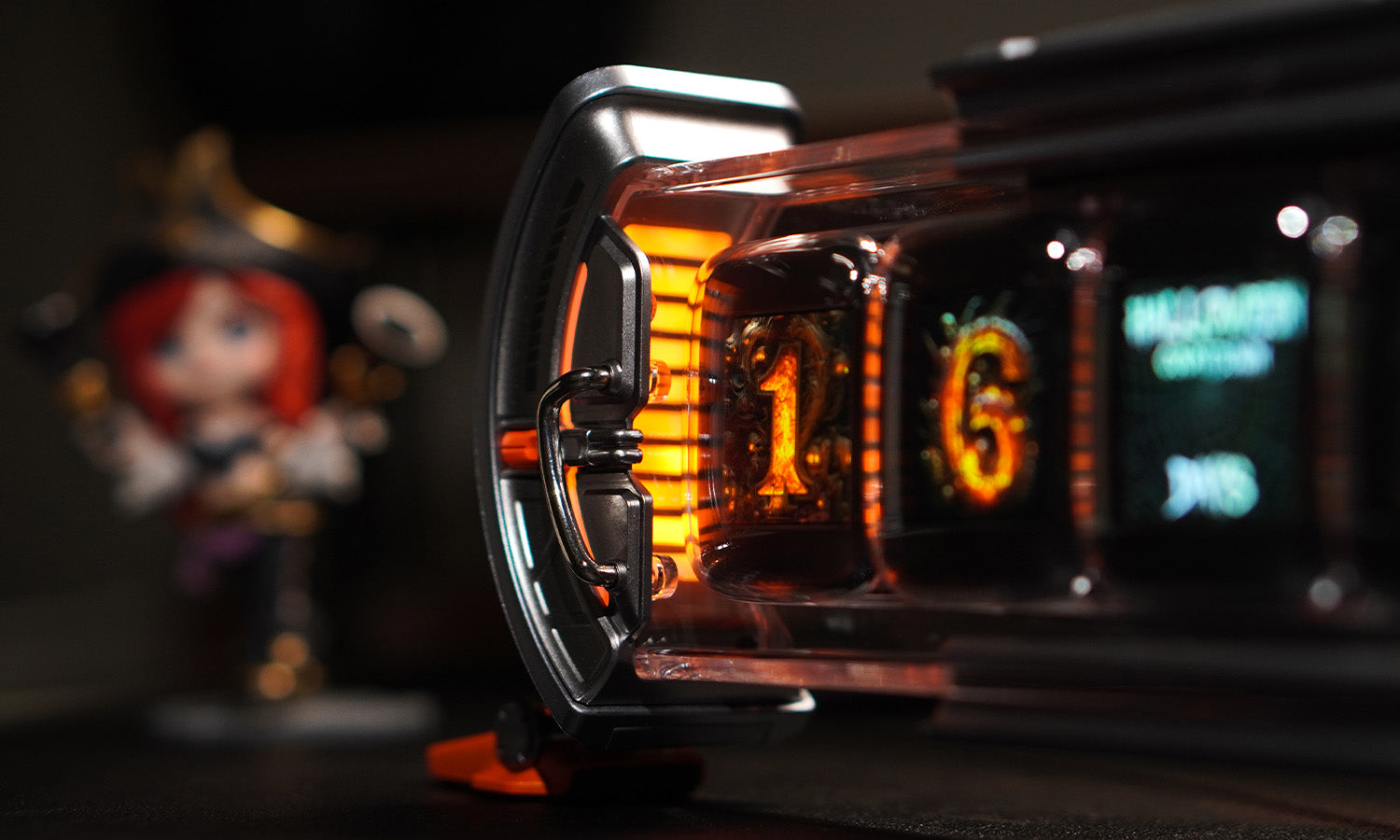
Times Gate turns those five objects into one. Five 128x128 LCD screens sit side by side on a single aluminum stand, each showing a different information channel — clock, calendar, weather, timer, custom pixel art, or any combination you choose through the Divoom app. The dual-edge RGB lighting adds ambiance without needing a separate desk lamp or LED strip.
You walk in, glance at Times Gate, and see your calendar, the weather, and a timer — all at once, without picking anything up. That single glance replaces the habitual scan across your desk, and in doing so, it removes the visual noise of five separate devices.
Swap Your Photo Frame and Info Gadgets for a Single Floating Display
A digital photo frame that only shows photos. A separate desk clock. A calendar widget. Maybe a small display for weather and notifications. If any of these live on your desk, you have the photo-and-info clutter pattern — where multiple small display devices each claim their own patch of surface area.
Times Frame consolidates them into a single floating transparent IPS display. It handles photos, clock faces, weather, calendar events, and countdowns — all on one 16:9 screen that sits on a sleek aluminum stand. The transparent design means it doesn't feel like another black rectangle on your desk; it blends into the surface and wall behind it, making the content appear to float.
With 64GB of onboard storage, Times Frame holds thousands of photos without needing a USB drive or SD card cluttering your desk. You manage everything from the Divoom app — upload photos, switch clock faces, set widgets — so there's no physical photo album, no standalone clock, and no separate info gadget competing for space.

Turn a Speaker, Alarm Clock, and Desk Decor into One Retro Device
Bluetooth speaker. Alarm clock. Desk ornament. That's three objects, and in a typical setup they're often clustered on the same corner of the desk — the speaker on the left, the alarm clock in the middle, a small decorative figure on the right. Visually, it's a jumble of different shapes, materials, and cable arrangements.
Ditoo-Pro replaces all three with a single retro PC-shaped device that looks like it belongs on a desk rather than screaming "gadget." The 15W DSP speaker fills a small to medium room with clear audio, the built-in alarm and Pomodoro timer handle time management, and the pixel LED display adds a layer of personality that a plain speaker or alarm clock cannot match.
What makes Ditoo-Pro a clutter-reducer rather than another desk object is that it doesn't ask for extra space. It consolidates the audio corner, the time-check corner, and the decorative corner into one spot. White noise and sleep sounds replace a separate sleep machine. Pixel animations replace a static desk ornament. One device, one power cable, one spot on your desk.

Clean Up the Charging Corner Without Adding Visual Noise
Every desk has a charging corner. A bulky charger for your laptop. Another for your phone. Maybe a third for wireless earbuds. Cables trailing in different directions, plugs of varying sizes, and inevitably one charger that doesn't quite fit next to the others. It's the area most people give up on and call "functional clutter."
Dipow changes that by combining multi-device charging with a pixel display that makes the charging station feel intentional. 65W of total output across multiple ports means you can charge a laptop, phone, and earbuds from one device instead of three separate chargers. The front-facing pixel screen shows playful animations and expressions, turning the charging area from an eyesore into a small conversation piece.
The key difference: a regular multi-port charger still looks like a utilitarian block. Dipow uses its pixel display to signal that this spot on your desk has been thought about — the cables are contained, the ports are labeled, and the little animated face on the screen makes you smile instead of sigh when you reach for a charger.

Frequently Asked Questions
What's the first step to a cleaner desk setup?
Start by identifying your desk clutter pattern. Do you have multiple information displays (clock, calendar, weather widgets)? That's an info clutter pattern — Times Gate is your solution. Do you have a photo frame plus separate gadgets? That's a photo-and-info pattern — Times Frame consolidates them. A cluster of speaker, alarm, and decorations? Ditoo-Pro. A messy charging corner? Dipow. Pick the one clutter pattern that bothers you most and replace those objects first.
Can a smart display really reduce desk clutter?
Yes, but only if you let it replace the objects it's designed to replace. A smart display becomes clutter if you add it to a desk that already has a clock, calendar, and sticky notes. The trick is to remove those individual items after you set up the display. Times Gate on your desk plus a separate desk clock equals more clutter. Times Gate alone, with the clock and calendar removed from your surface, equals less clutter.
Is Times Gate or Times Frame better for a clean desk setup?
It depends on how you use your desk. Times Gate is better if you need multiple live information streams at a glance — clocks, timers, calendar, weather, crypto tickers — and you want a compact, multi-screen dashboard. Times Frame is better if you want a broader visual display that shows photos, widgets, and clock faces on one screen, with a floating transparent design that takes up less visual weight on the desk. Both reduce clutter, but they solve different clutter patterns.
Which Divoom product is best for a small desk?
For the smallest footprint, start with Ditoo-Pro or Dipow. Ditoo-Pro combines speaker, alarm, and desk decor into one compact device about the size of a smartphone stand. Dipow cleans up your charging corner without taking up extra surface space. If you need information display on a small desk, Times Frame's single-screen floating design works better than Times Gate's five-screen layout, since it occupies a narrower visual footprint.
Which desk clutter replacer fits your setup?
Your desk should feel like your space — not a showroom, not a storage unit. Pick the device that matches your clutter pattern and turn a busy surface into an intentional workspace.

Divoom Times Gate
Multi-screen desk dashboard
Best when your desk has 3+ separate info devices — a clock, calendar, weather widget, sticky notes, and a data display. Times Gate replaces all of them with one 5-screen unit.
View Times Gate
Divoom Times Frame
Floating photo and info display
Best when your desk has a separate photo frame, clock, and info gadgets. Times Frame consolidates them into a single transparent display that blends into your workspace.
View Times Frame

